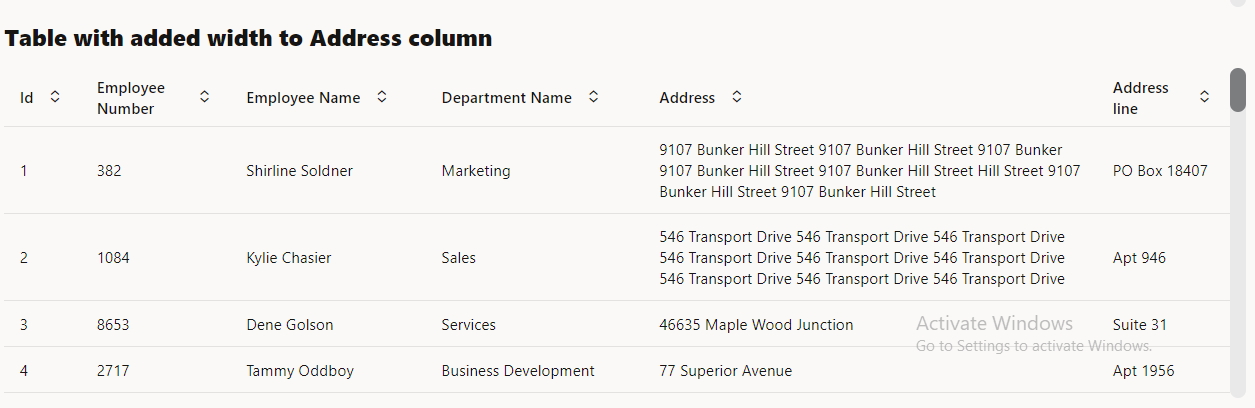
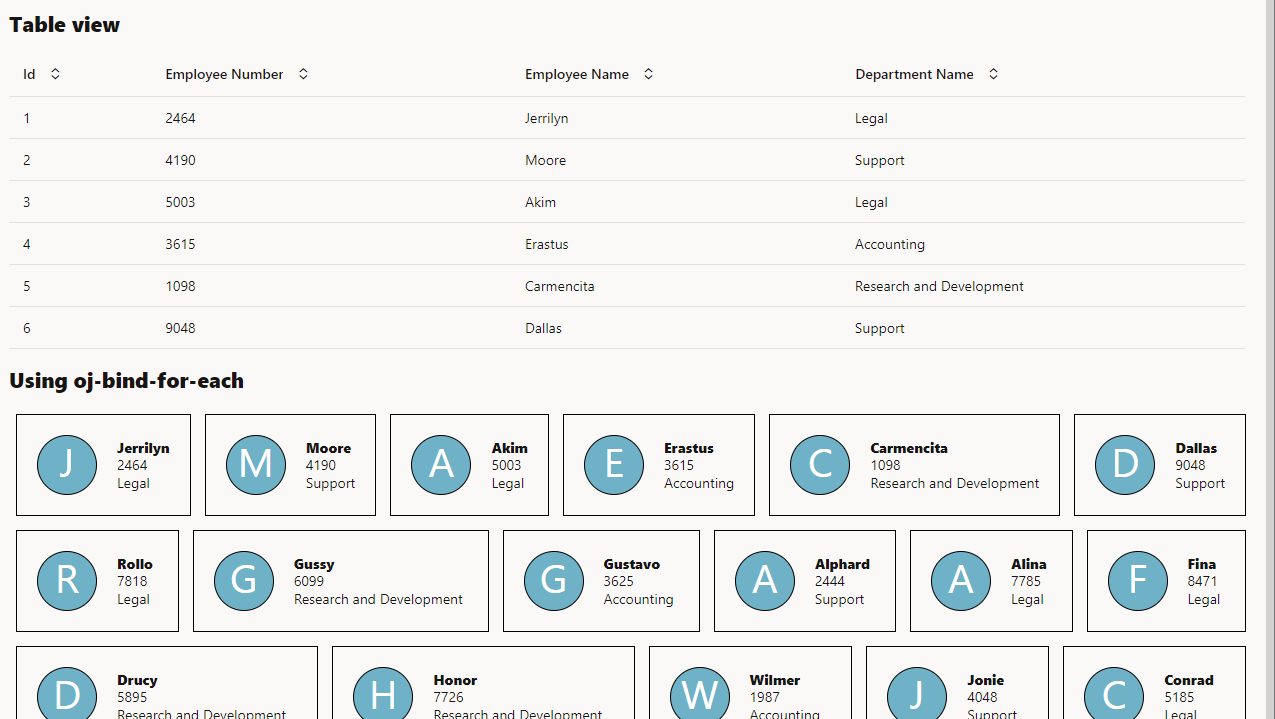
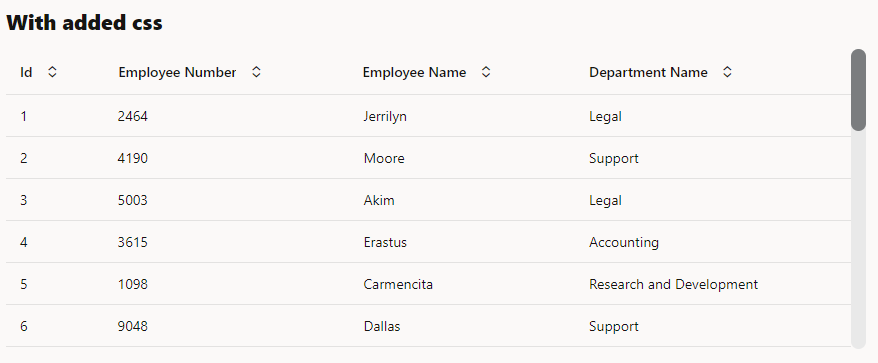
While showing collections, we can use oj-table or oj-data-grid or we can use oj-for-each to display multiple values
When we show some data which comes in API, and we don’t have to much grouping and all we can show as table
If the data has few actions like approve or to update few columns like Quantity or Price or has some links to open in a page to view some more data or link to download some data we can use table
When we want to have a screen with large amount of data, where user will add multiple rows, edit like a excel instead of table we can use data grid. Data grid has better edit support than editable table. It is easy to handle edit events on data grid.
If we want to show summary based on some columns, like we are showing crick players information like number of sixes or total number of runs scored or total wickets taken per team, we can have player records and team records to show total. This will be better achieved with grid.
If we want to show People like data with images or some products like shirts, cars or something else where having a different look and feel, than table helps.
We can also provide option to change the view from table to grid to for-each
We can write simple or complex validations at business objects level in groovy
In some cases we want to check if age > 18.
In some case we want to check for the object row the status is approved then no changes should happen.
In some cases we want to allow only the same user to edit the record.
In some case we want to validate using some external API ( to check availability of quantity or price ).
For all these we can use validations using groovy.
General idea is to create a object function using groovy to validate and use this object function in before insert trigger or before update trigger.
Let us say we have a Business Object Employee with fields (id, first name, last name, age) and we want to have validation that age should be at least 18 years.
Object function code.
if ( age <18 ) {throwneworacle.jbo.ValidationException('Age should not be less than 18');}
Let us say we have a Business Object ApprovalBO with fields (id, approval name, status {draft, created, pending approval, rejected, approved} ) and we want to restrict user to not edit any data once the record status is set to approved or rejected.
def origStatus =getOriginalAttributeValue('status')if ( origStatus =='Approved'|| origStatus =='Rejected' ) {throwneworacle.jbo.ValidationException('Changes not allowed for this record as status is '+ origStatus);}
Let us say we have a Business Object Transaction with fields (id, transaction name, created by, updated by) and we want to have validation that only created by user can update the value of record.
def secCtx = adf.context.getSecurityContext()def user = secCtx.getUserName()if ( createdBy != user ) {throwneworacle.jbo.ValidationException('Only created user can update the record');}
Let us say we have a Business Object Inventory with fields (id, inventory name, quantity, price) and we want to have validation against a external api. We can configure the external api using service connections. We can make rest call in groovy and validate against it.
def priceSvc =newService('priceService');def responseObj = priceSvc.getQuantityAndPrice();def quantityApi = responseObj.quantity;def priceApi = responseObj.price;if ( quantity > quantityApi ) {throwneworacle.jbo.ValidationException('Quantity entered is greater that avalible quantity from api ('+ quantityApi +')');}if ( price > priceApi ) {throwneworacle.jbo.ValidationException('Price entered is greater that avalible price from api ('+ priceApi +')');}
Users can navigate to Business Objects ( BO ) -> Objects -> Select Object ( ex: Department or Employee ) -> Business Rules -> Object Function -> New Object Function
In Object function we can write groovy code to do operations
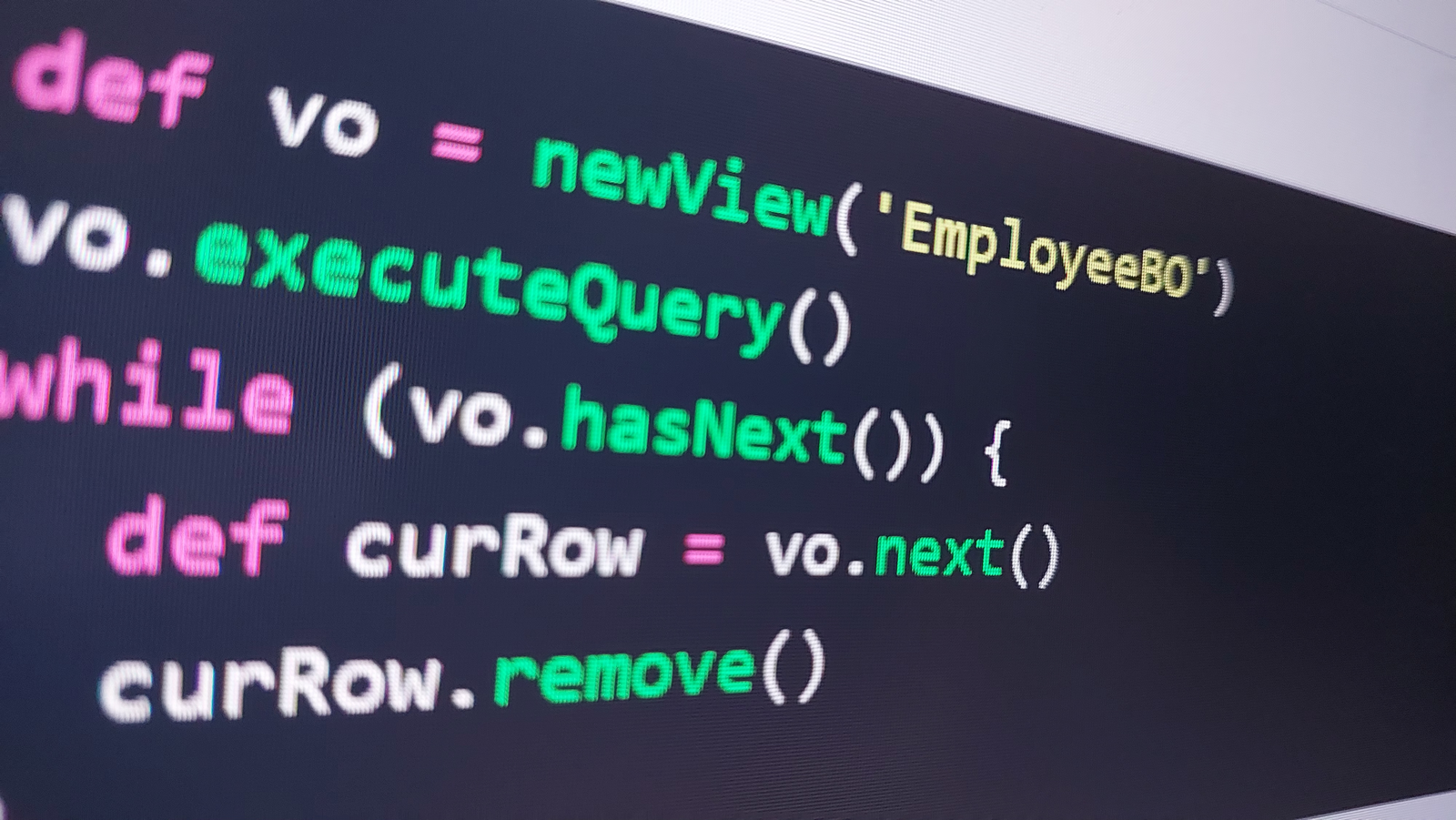
Groovy code to delete all rows in business object
The following code will fetch all the data from a particular BO and delete it.
def vo =newView('EmployeeBO')vo.executeQuery()while (vo.hasNext()) {def curRow = vo.next() curRow.remove()}
We can write this code in a separate Business object object function and call it using rest API.
This will be useful in scenarios where we want to delete large amount of data. Instead of calling delete API for each BO we can call the above object function to delete multiple records in one API call.
We can also customize this code by adding query to vo like below
def vo =newView('EmployeeBO')vo.appendViewCriteria("Salary between 50000 and 75000")vo.executeQuery()while (vo.hasNext()) {def curRow = vo.next() curRow.remove()}